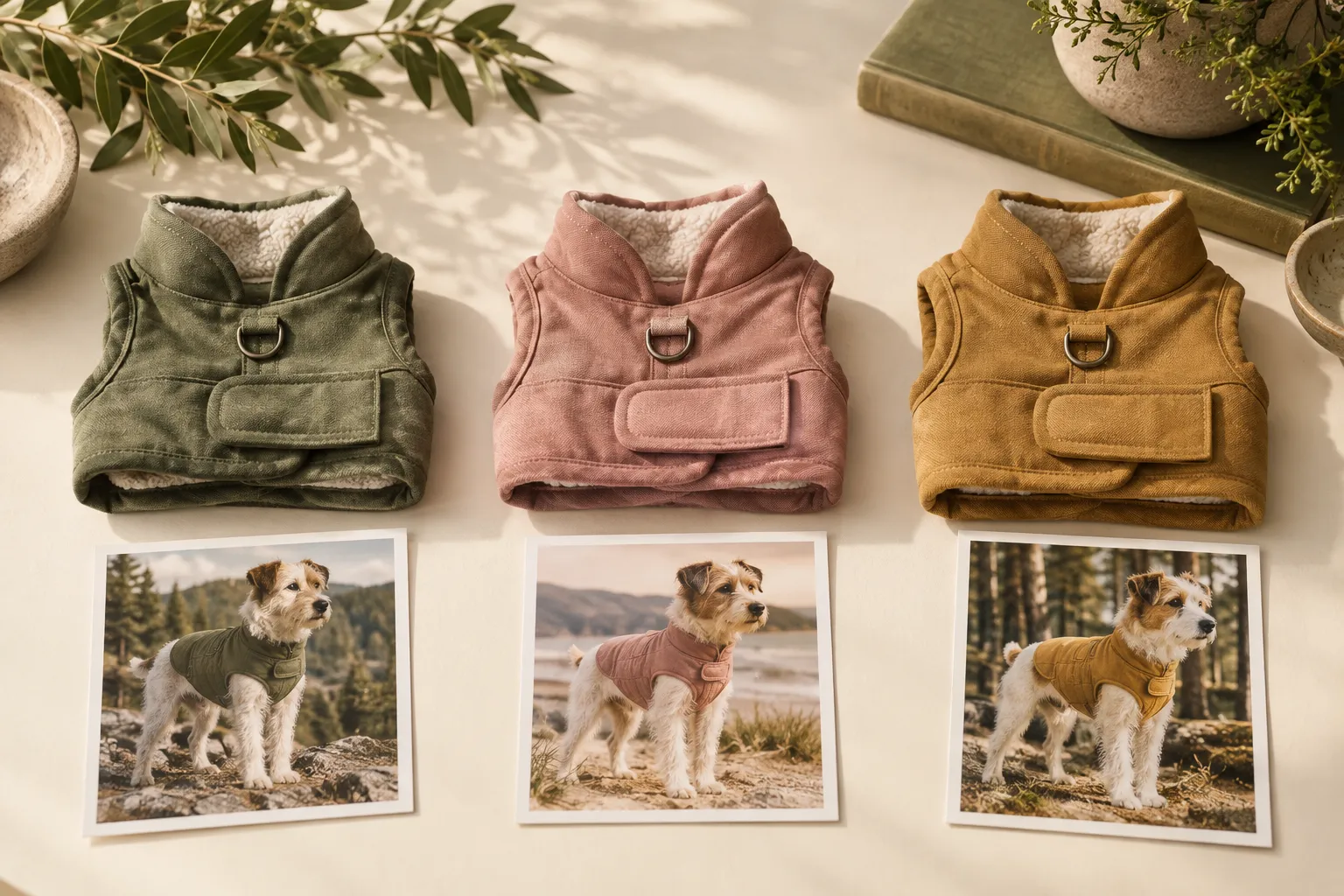
You generated sage, rose and ochre vest images. The files look right. On the Shopify product page, selecting Rose changes the option label while the dog stays dressed in sage.
The next action is not necessarily another generation. First find where the image-to-variant handoff broke.
Give every export a destination
Use the actual photograph of each colorway when creating candidates in our tool, Tufty. Reuse a suitable pet reference if it helps your collection presentation, but review each result separately. Changing a color name in the prompt is not a substitute for supplying the actual item.
Once approved, record the product identifier, colorway and exported filename together. A small example ledger can be enough:
| Actual variant | Approved worn-view file | Store assignment to verify |
|---|---|---|
| Sage | vest-sage-worn-approved | Sage variant preview |
| Rose | vest-rose-worn-approved | Rose variant preview |
| Ochre | vest-ochre-worn-approved | Ochre variant preview |
The names are a manual convention, not a Tufty synchronization feature. Their purpose is to stop a correct-looking file from becoming the wrong assignment.
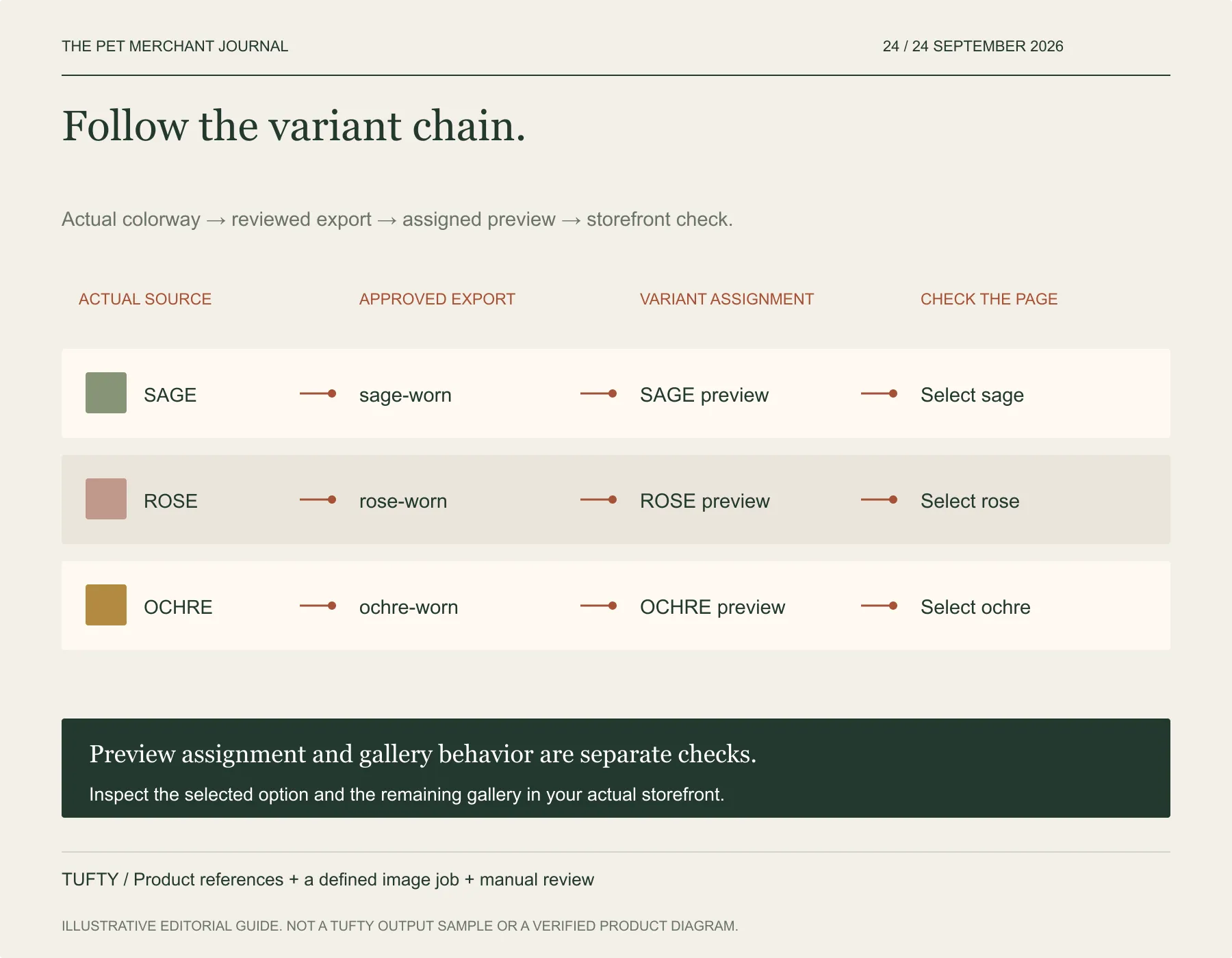
Original editorial framework. Original illustrative workflow. Check the actual item and intended publishing placement.
Know what an assignment does
Shopify's standard variant workflow lets you assign one image to a variant. Additional images can sit in the product media gallery. Do not assume that assigning a preview automatically filters the whole gallery into a color-specific set; confirm the behavior of your actual storefront setup.
That distinction matters when your customer selects Rose and then scrolls to a sage detail image. The preview assignment may be correct while the rest of the gallery still needs clearer organization or a different implementation.
Test the selection, not the filename
Open the product preview. Select each option in turn, observe the assigned image, and check the remaining gallery. Repeat on a mobile-sized view. If the wrong picture appears, inspect the assignment and any theme behavior before changing an accurate source asset.
If the right file appears but its color is inaccurate, return to image review against the physical colorway. The generation and the store assignment solve different parts of the problem.
For today's update, trace three variants from source to screen. You are finished when the selection and the image agree—not simply when all three PNGs have been exported.